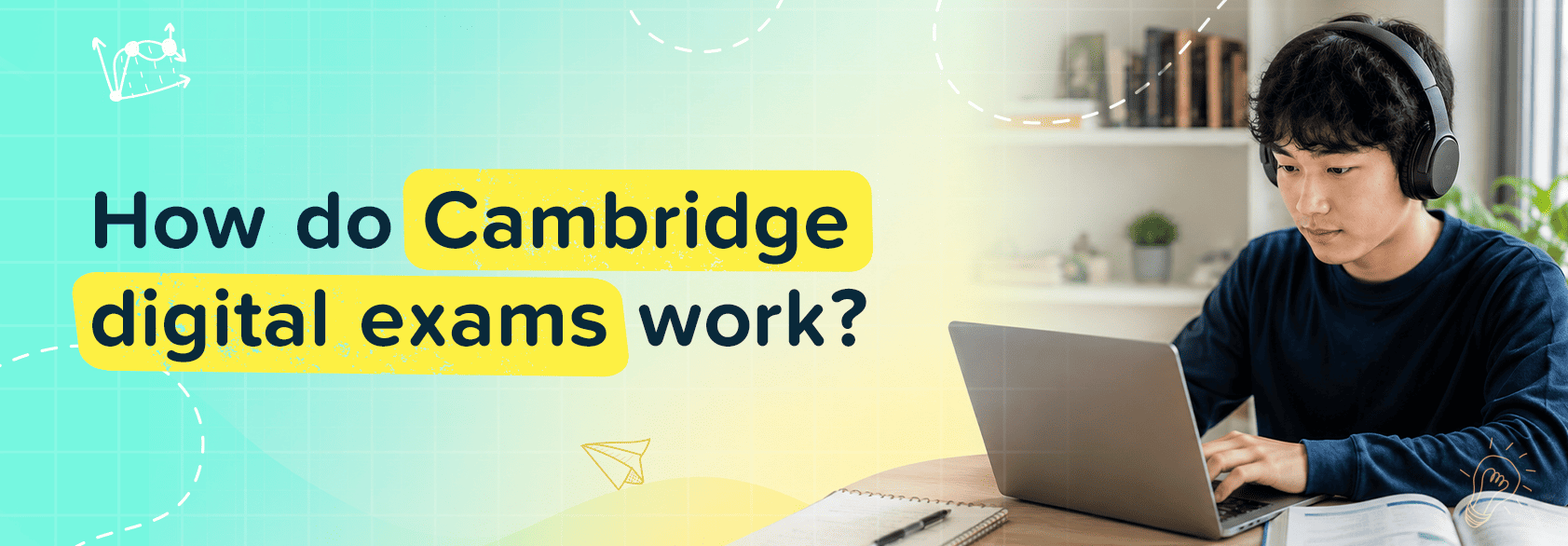
Whether you are a homeschooling parent in Asia, exploring the Cambridge Digital Exam pattern or a student. Big changes are coming to Cambridge International exams. Starting June 2026, students sitting for Cambridge IGCSEs can take their exams on a computer instead of paper. If you're wondering, "How Do Cambridge digital exams work?" you're in the right place.
This guide covers everything that the Cambridge Digital Exam 2026 looks like, which subjects are going digital first, how to practise with Cambridge digital mock exams, the Cambridge digital exams 2026 dates, and what this shift means for students, parents, and schools across the UK and beyond. Whether you're a homeschooling parent in Asia or a student preparing for your first digital sitting, let's break it all down.
How does the exam work?
Navigating an on-screen exam involves a mix of specialised tech and core academic focus. Here is what to expect from the system's architecture.
Test Delivery
The digital exam runs locally at an approved center using the secure RM Assessment Master platform. It operates within a locked-down browser system like the Safe Exam Browser or Google Kiosk mode. This setup ensures a high-security environment where candidates cannot access external websites, personal files, or messaging systems. While the screen acts as the primary workspace, students are still given physical scrap paper to map out formulas, jot down notes, or sketch ideas before typing their final answers into the on-screen response box.
The Speaking Test
For language qualifications that require an oral assessment, the transition to digital retains a vital human element. Rather than conversing with an automated AI voice or recording answers into an unmonitored system, speaking tests remain a face-to-face interaction with a live examiner to cultivate real-world communication skills. Depending on the test center’s setup, this will either be an in-person session or a proctored, live virtual video session conducted through the secure testing interface.
Content
A common point of anxiety for students is whether the questions themselves will change. Fortunately, the content remains identical. The syllabus objectives, paper structures, exam difficulty, and grading criteria match the traditional paper versions exactly. Whether you are identifying cell structures in IGCSE Biology or solving equations in Mathematics, you are tested on the exact same academic criteria.
No Spellcheck
Do not rely on the computer to fix typos or grammatical errors. The secure testing environment strictly disables auto-correct, predictive text, and spellcheck functionalities. This ensures that a student's true spelling and presentation skills are assessed fairly, meaning typing accuracy is a critical asset.
How the Cambridge Digital Examination System Differs from Paper-Based Exams
The core difference lies completely in the user interface and student workflow:
| Feature | Paper-Based Exam | Digital Exam |
|---|---|---|
| Response Input | Handwritten with a pen or pencil | Typed on a keyboard or selected via mouse clicks |
| Workspace Layout | Flipping between a source booklet and an answer leaflet | Split-screen interface with adjustable windows |
| Editing Text | Crossing out errors, rewriting text in margins | Cut, copy, paste, and backspace text functions |
| Spellcheck | Non-existent | Disabled within the secure testing browser |
Before Exam Day: Registration, Software Setup, and Mock Exams
A seamless exam day depends heavily on the technical preparation your centre carries out in advance. Your school’s Exams Officer manages the student registration process directly through the Cambridge portal, assigning candidates a single, consistent username for the exam series.
Before the live test date, schools must run hardware verification diagnostics to guarantee that all devices meet screen resolution, peripheral requirements (such as mandatory headphones for listening components), and internet bandwidth requirements. Furthermore, students are required to complete official technical trial sessions and download the required software packages so that their profiles load cleanly, and they understand how to use the platform before the exam clock starts ticking.
What the Online Exam Format Looks Like on Screen
Once an exam begins, candidates are met with a clean, split-screen layout designed to mimic an open desk. The left side of the screen displays the source texts, case studies, or prompt questions, while the right side houses the interactive response boxes, text formatting tools (bold, italics, bullet points), or multiple-choice fields.
Students can easily drag and adjust the window borders to suit their visual preferences. The user interface also includes an accessibility panel for custom adjustments (such as zooming capabilities or changing background colors to reduce eye strain), a toggleable countdown timer, an automatic word counter for written tasks, and a high-utility "Flag" tool that marks complex questions so you can quickly jump back to them later via the navigation bar.
How Are Answers Submitted and Protected Securely
Power outages or brief Wi-Fi drops will not cause you to lose your work. The assessment software features robust offline resilience, continuously encrypting and caching your responses locally on the device's hard drive in real time.
Even if the internet connection drops completely mid-exam, the student can keep typing without interruption, and the system can even support candidate rest breaks managed by invigilators without losing progress. Once the exam timer expires, the system safely packages the cached data file and securely transmits it straight to Cambridge’s servers for marking as soon as the connection is re-established. Multiple-choice questions are auto-marked by the platform for speed, while essay or longer responses are securely routed to expert Cambridge examiners.
Conclusion
The shift toward Cambridge digital exams is a natural step forward for modern international education. While navigating the software interface requires a short adjustment period, the core path to victory remains completely unchanged: mastering the syllabus, managing your time efficiently, and building a technical typing rhythm. By using robust digital practice materials and completing mock sessions early on, you can eliminate test-day friction and turn the digital layout into a distinct academic advantage.
Frequently Asked Questions
How do I practise for Cambridge digital exams?
To prepare effectively, you must practice answering questions on-screen under timed conditions without using autocomplete or spellcheck. While you can download basic specimen papers from Cambridge, platforms like HomeSchool Asia make this much easier by providing a dedicated platform to generate custom practice papers for core subjects like IGCSE Biology, Chemistry, and Physics. By taking their timed mock exams, you can replicate the real test screen experience, receive detailed diagnostic reports highlighting your weak spots, and get immediate on-screen explanations for incorrect answers to fix your mistakes instantly.
What is the Cambridge digital examination platform like?
The platform uses a secure, split-screen application called RM Assessment Master, which operates inside a locked-down browser environment to prevent outside distractions. It displays question materials on the left and your response space on the right, providing candidates with digital text-formatting options, a persistent countdown timer, text zoom settings, an automatic word counter, and an on-screen "Flag" tool to easily mark and return to trickier questions later.
Are Cambridge digital exams easier than paper exams?
No, they are exactly the same in terms of academic difficulty, marking standards, and final grading boundaries. While fast typists may find the digital layout reduces physical hand strain and makes organising essay text far easier, the syllabus requirements and test questions match the traditional paper versions identically.
Is Cambridge different from IELTS?
Yes, they serve completely different educational paths. Cambridge International qualifications (like IGCSEs and A-Levels) are comprehensive, subject-specific academic diplomas that form a student's full high school education, whereas IELTS is a short, targeted English language proficiency exam used strictly for immigration visas or university linguistic entry requirements.
What are the Cambridge Digital Exams 2026 Dates, Timetable, and Key Deadlines?
The official live launch for "Early Adopter" digital components, such as multiple-choice papers for IGCSE sciences, begins during the June 2026 examination series, which starts in late April. Precise test timetables vary across Cambridge's six global administrative zones to preserve exam security, meaning candidates must check their exact zone's schedule with their centre, while also taking advantage of official digital mock windows running throughout the year.